
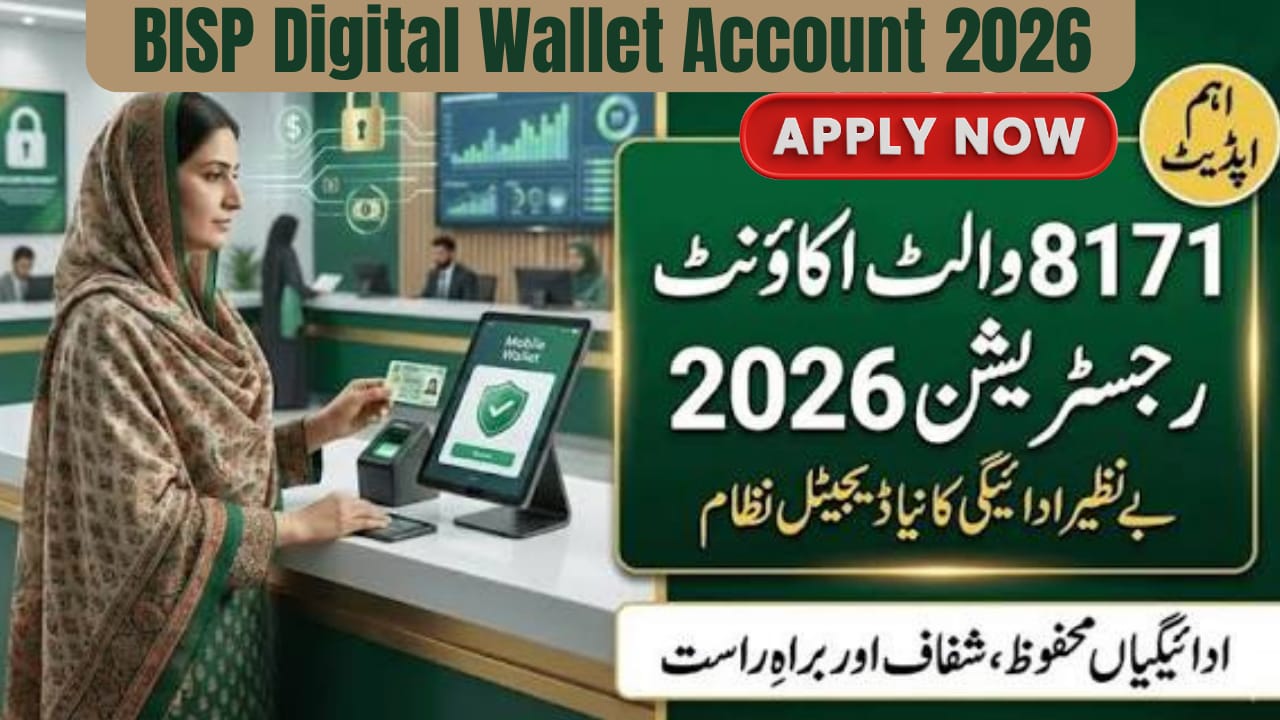

BISP Digital Wallet Account
In 2026, the Benazir Income Support Programme (BISP) has introduced the Digital Wallet System, a transformative step in Pakistan’s social welfare history. This new system ensures that all BISP beneficiaries receive their Rs. 13,500 payments directly on their mobile wallets, removing middlemen, delays, and deductions. This guide explains how to register, activate, and safely use your BISP Digital Wallet, along with eligibility, documents required, and fraud prevention tips.

Table of Contents
Read Also: Student Transport Card
| Step | Description |
|---|---|
| 1 | Check CNIC eligibility via 8171 SMS |
| 2 | Verify status through 8171 web portal |
| 3 | Complete Dynamic Survey if not registered |
| 4 | Ensure you have a CNIC-registered mobile SIM |
| 5 | Wait for SMS from 8171 for wallet activation |
| 6 | Visit authorized bank or agent |
| 7 | Complete biometric verification and create PIN |
| 8 | Start receiving and withdrawing BISP payments |
What Is the BISP Digital Wallet System?
The BISP Digital Wallet is a mobile-based payment platform replacing cash centers and manual disbursements. Beneficiaries no longer need to stand in long queues. Payments are directly credited to a bank-linked mobile wallet, offering:
- No middlemen or illegal deductions
- Instant access to payments
- Full transparency and security
- Biometric verification required for transactions
- Direct credit to beneficiaries under Benazir Kafaalat Program
Check Your Eligibility for BISP Digital Wallet
Before activating a digital wallet, confirm that you are an active BISP beneficiary.
- Method 1: SMS Verification
Send your 13-digit CNIC to 8171. You will get a confirmation message about your eligibility. - Method 2: 8171 Web Portal
Visit the official 8171 portal and enter your CNIC to check your payment and eligibility status online. - Method 3: Dynamic Survey 2026
If not registered, visit your nearest BISP Tehsil Office, complete the Dynamic Survey, and update family data.
Prepare Your Mobile SIM
A registered SIM is mandatory for wallet activation.
- Requirements:
- SIM registered on beneficiary’s CNIC
- Active and biometric verified
- One SIM per beneficiary
- Free SIMs for BISP Beneficiaries
Selected districts are receiving 10 million free SIMs. Confirm eligibility from your local BISP office.
BISP Digital Wallet Account Activation Process
Activation is only through BISP-authorized banks and mobile platforms.
- Official Wallet Partners: JazzCash, Easypaisa, HBL Konnect, Bank Alfalah, Bank of Punjab
Step-by-Step Activation:
- Wait for official SMS from 8171
- Visit an authorized agent or bank branch
- Provide original CNIC
- Complete biometric thumb verification
- Create a 4-digit PIN
- Wallet activated instantly
Critical Safety Warnings
- Do Not Create Personal Wallets – Only register through 8171 instructions
- No Fees – Registration and withdrawals are free
- Report Fraud – Contact BISP Helpline 0800-26477 if suspicious activity occurs

Required Documents for BISP Digital Wallet
| Document | Requirement |
|---|---|
| Original CNIC | Must be valid |
| Registered SIM | Must be on beneficiary’s CNIC |
| Biometric Verification | Mandatory thumb scan |
Without these, wallet activation is not possible.
How to Receive and Withdraw Payments
- Rs. 13,500 credited automatically
- SMS alert upon receipt
- Withdraw from authorized agents, bank branches, or partner ATMs
- Money can be saved in wallet for future use
Common Problems and Solutions
- CNIC Not Verified – Update biometric data at NADRA
- SIM Not in Name – Transfer SIM or issue a new one
- No SMS from 8171 – Visit BISP Tehsil Office
Helpline & Contact
- BISP Helpline: 0800-26477
- Official 8171 SMS Service: Only messages from 8171 are official
- Visit local BISP Tehsil Office for support
Conclusion
The BISP Digital Wallet system in 2026 ensures transparent, secure, and timely payments for deserving families. By following official instructions, keeping your documents ready, and trusting only 8171 messages, beneficiaries can access full payments safely. This reform empowers families while reducing fraud and middleman interference.
FAQ
How do I register a BISP Digital Wallet?
Registration requires official SMS instructions from 8171, CNIC, biometric verification, and a registered SIM.
Is there any fee for BISP Digital Wallet registration?
No. Both registration and withdrawals are completely free.
Can someone else withdraw my BISP payment?
No. Biometric verification ensures only the beneficiary can access funds.
What if my thumb verification fails?
You may need to visit NADRA to update biometric data for wallet activation.
Official source: BISP Website
Latest Updates
 Breaking: 8171 Web Portal 2026 – Online CNIC Check, BISP Payment Schedule & Latest Updates You Must Know
 Breaking: Ramadan Relief Package 2026 Under Shehbaz Sharif – Check New Details, Eligibility & Digital Payment System
 Breaking: BISP 8171 Wallet Account Registration 2026 – Easy Online Process, Benefits & Payment Details
 Biggest News: BISP 8171 Next Payment 2026 – New Schedule, Centers, Verification & Latest Updates
 Breaking News: 5000 Ramzan Package Check Online 9999 and 8070 Code Details 2026
 Breaking News: Will New Currency Notes Be Available This Eid?